Case study
 ×Gainback
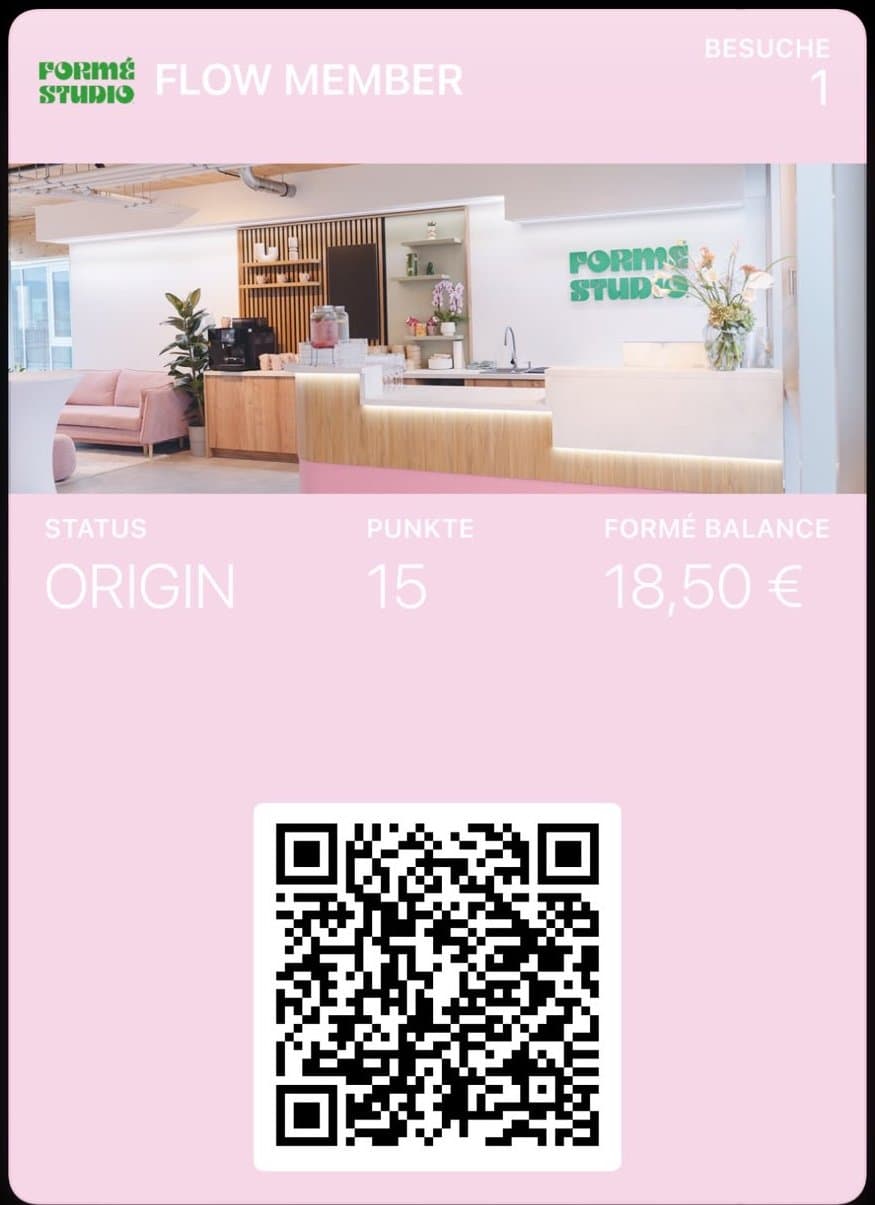
Formé Studio in Wiener Neudorf swapped the paper card for a card in the wallet. Their customers did the rest.




The app brings you bookings, but keeps the relationship. Your customer knows the app better than your studio.
With you today, at the studio next door tomorrow. Your class has become interchangeable, and loyalty does not build itself.
Between classes, cover shifts and invoicing there is no room for content. The reach your customers could give you goes unused.
No aggregator in between, no studio hopping. Your own program that keeps them with you.
Your card lives in Apple and Google Wallet, no app needed. Every visit counts twice:
And the card reaches out by itself: just before the next goal, on her birthday or when she has not been in for a while.
 FLOW MEMBER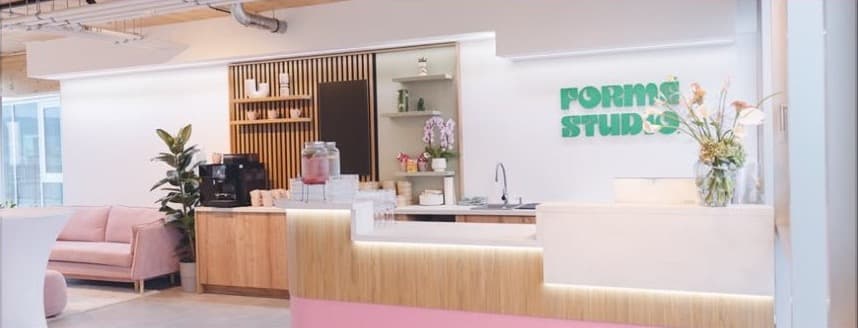

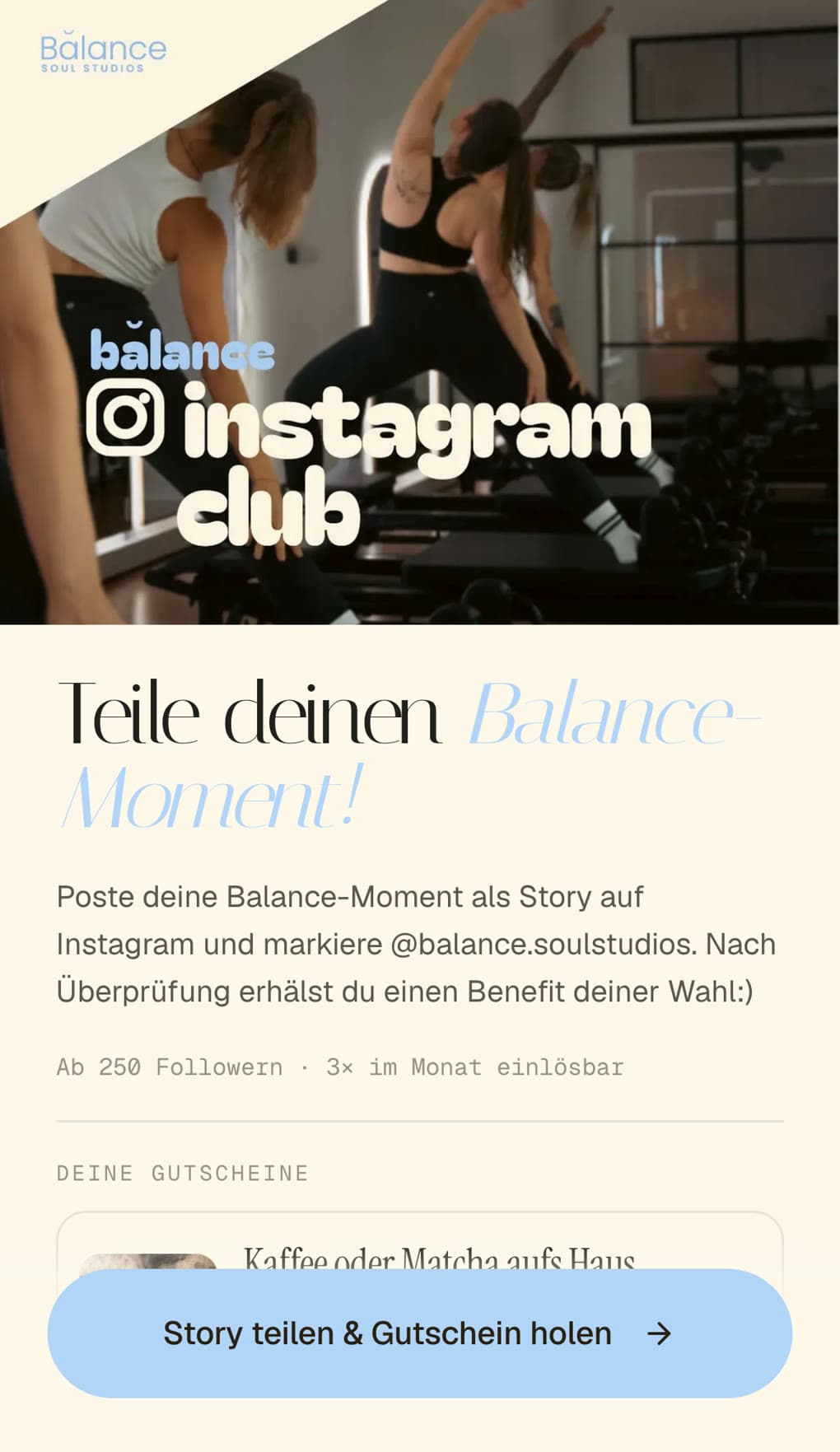
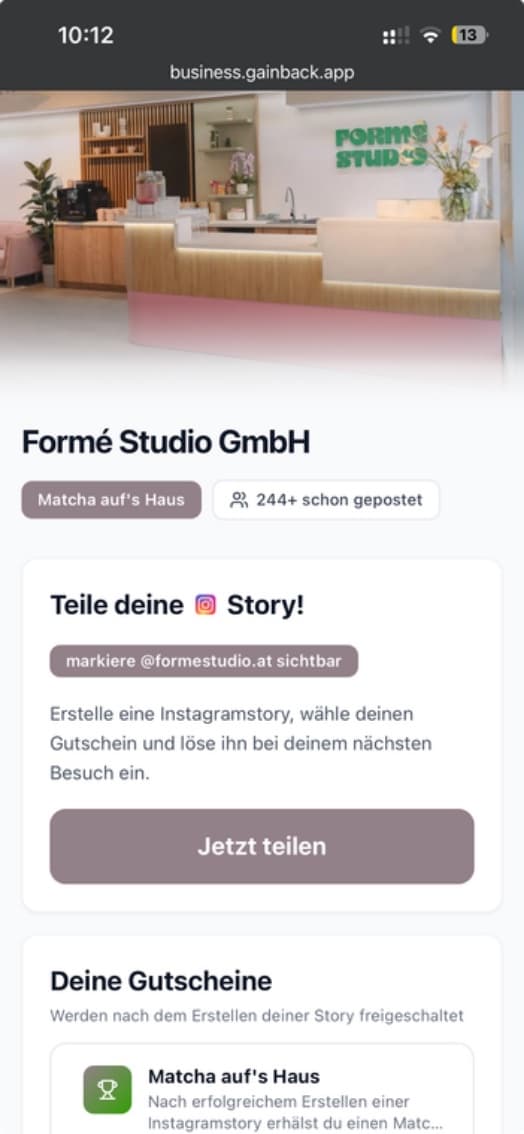
She posts a story and tags your studio. Gainback checks it automatically with AI and unlocks her voucher.
Her whole bubble sees you, without you spending a minute on content. You see every story and its reach.
Four steps, done. Your draft stays saved on this device.
Logo, name and colour, just like in the dashboard. We pull the colour from your logo, you can change it any time.
×GainbackFormé Studio in Wiener Neudorf swapped the paper card for a card in the wallet. Their customers did the rest.
customers in 4 weeks
“In 4 weeks we were able to build our Formé Flow community with Gainback, and our customers love it.”
customers tagged Formé in their story
points collected
from launch to community
Together we find the best setup for your studio and build it individually for you.
Let's talkPopular
From then on, every visitor becomes a regular who stays, comes back and recommends you.
Let's talk